Multimeter Masterclass · EPISODE 1 · 2:40
The Multimeter Dial — Every Symbol + Which Hole Each Lead Goes In
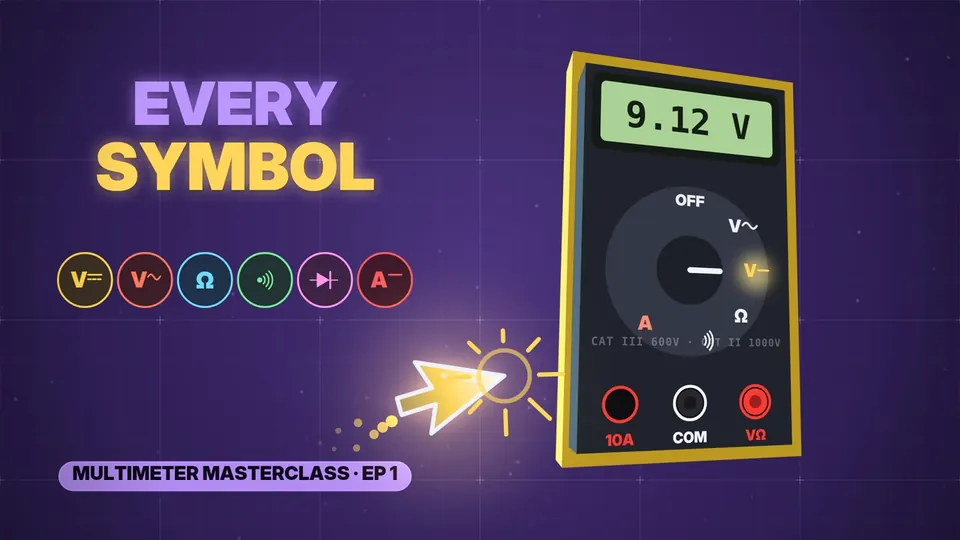
Every symbol on a multimeter dial, explained — and the one plug mistake that blows the fuse. DC volts, AC volts, ohms, the continuity beep, diode mode and amps, plus which hole the black and red leads go in. For total beginners, in under 3 minutes.
// CHAPTERS · TAP TO JUMP
// IN THIS EPISODE
What you'll learn
- Three parts: the screen (your reading), the dial (what you measure), the holes (for the test leads). Two leads: black = the reference / ground side, red = the one that measures. Auto-range meters move the decimal point by themselves.
- V with a straight line + dashes (⎓) = DC volts: batteries, phone chargers, your Arduino.
- V with a wavy line (~) = AC volts: the wall socket — 230 V · 50 Hz (India, UK, Europe) or 120 V · 60 Hz (USA, Canada). Careful!
- Ω (omega) = ohms, resistance — only with the power OFF.
- Sound waves = the continuity beep: two points connected → it beeps. Perfect for finding broken wires.
- A triangle with a bar = diode mode: checks diodes and LEDs (often on the same spot as the beep).
- A = amps, current — the special one.
- A 9 V battery → DC volts (≈ 9 V on the screen). A battery is always DC.
- Black lead → COM (common), always. Red → VΩ for volts, ohms, beep and diodes — almost everything.
- Only for current does red move, to 10 A (or mA on some meters).
- The classic mistake: red still in 10 A, dial on volts, probes on a battery. The 10 A hole is a tiny ≈ 0.01 Ω shunt — almost a plain wire — so it is a short circuit and the fuse blows. Golden rule: after measuring current, move red back.
// 30-SECOND SHORTS ON THIS
Quick refreshers
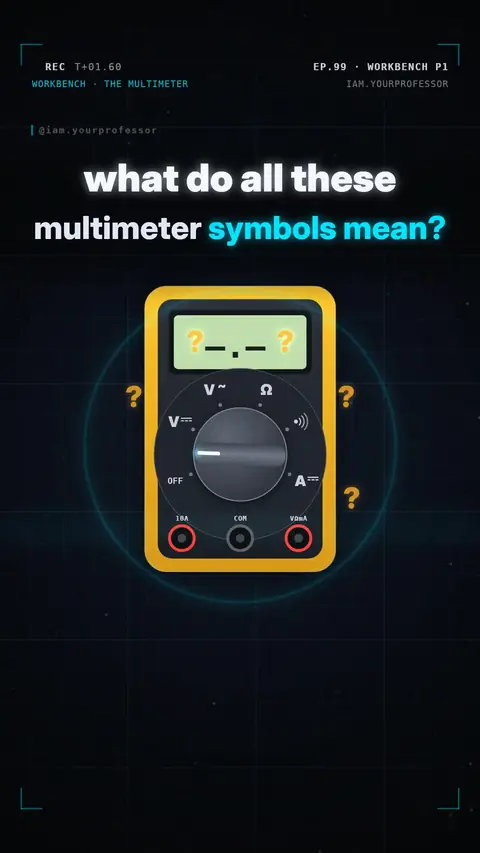 EP.99 · Workbench Skills · 1Workbench Skills Part 1: Meet the multimeter — every symbol on the dial
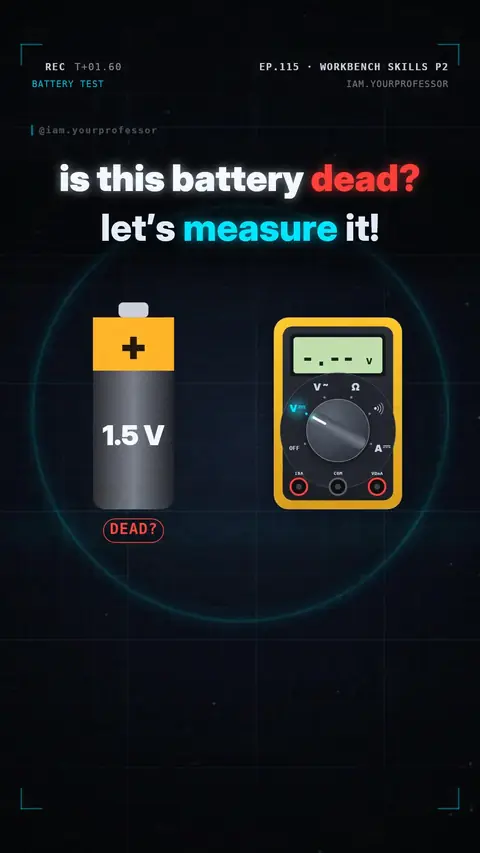 EP.115 · Workbench Skills · 2Workbench Skills Part 2: Measure voltage — is this battery dead?
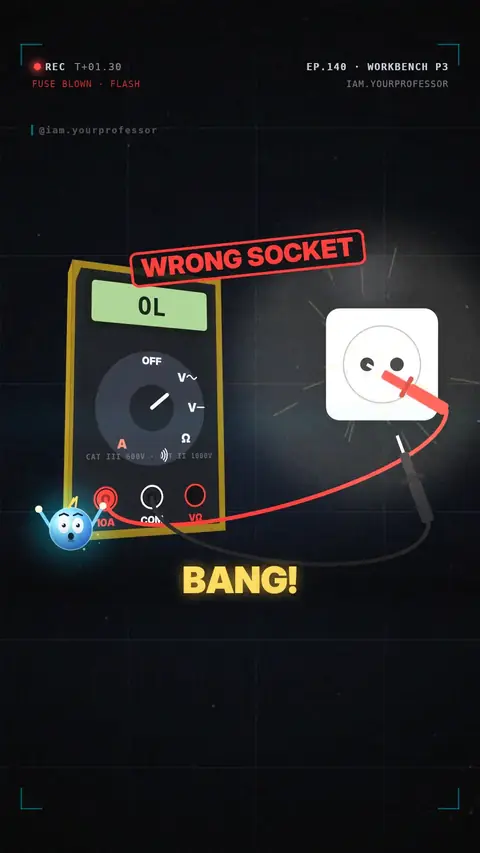 EP.140 · Workbench Skills · 3Workbench Skills Part 3: Measure mains voltage safely
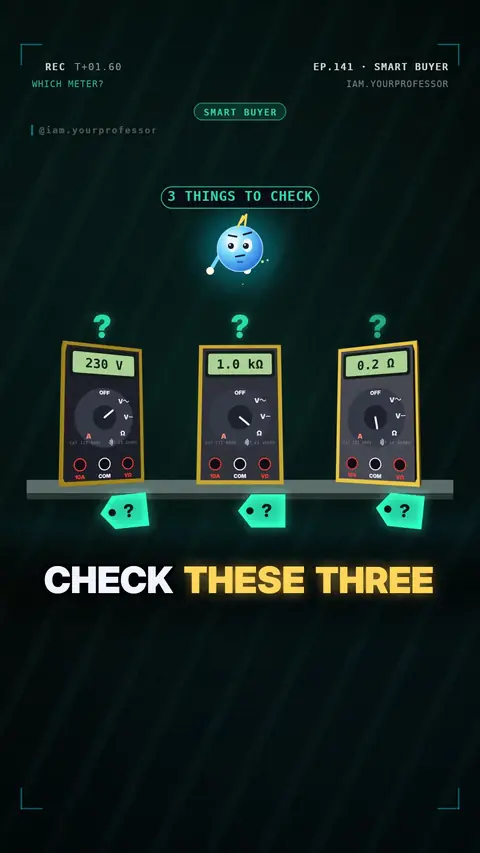 EP.141 · Smart BuyerSmart Buyer #6: Your first multimeter — 3 things to check
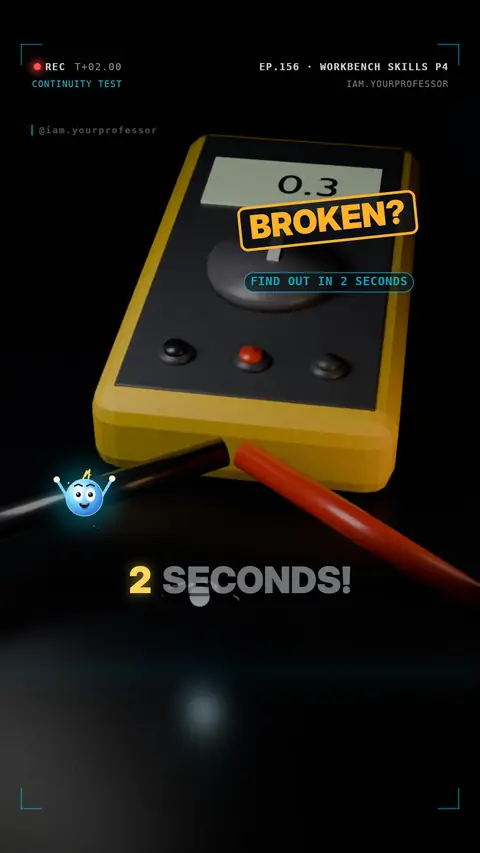 EP.156 · Workbench Skills · 4Workbench Skills Part 4: Continuity beep — find a broken wire
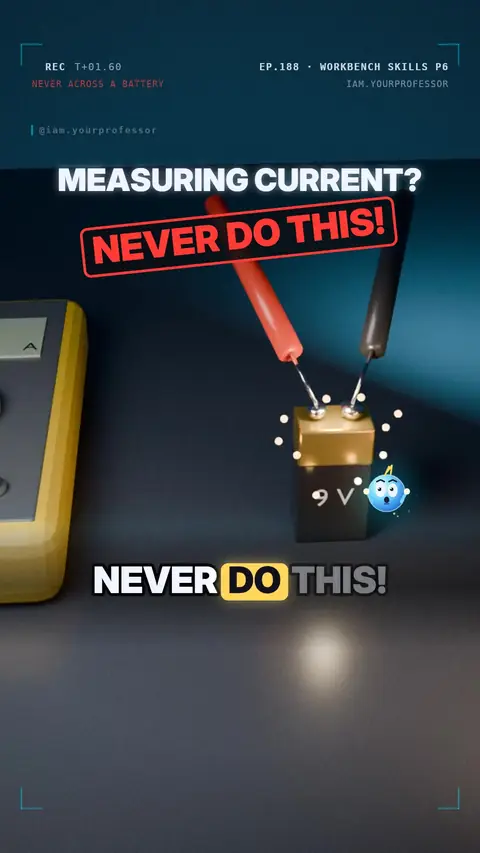 EP.188 · Workbench Skills · 6Workbench Skills Part 6: Measure current — the meter goes IN the circuit
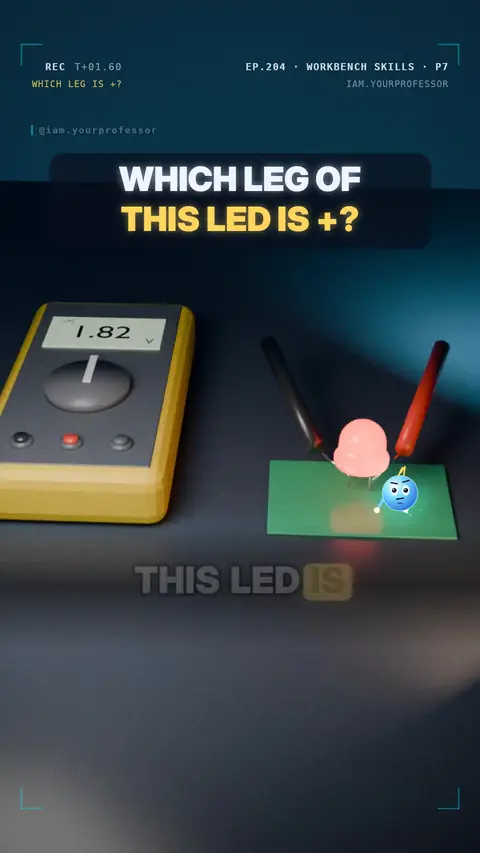 EP.204 · Workbench Skills · 7Workbench Skills Part 7: diode mode — test an LED and find its + leg
// NEWSLETTER · FREE
Get the next episode first
One email when a new episode drops. No spam.
✓ You're on the list! We'll email you when new lessons drop.
By joining you agree to the privacy policy.