Workbench Skills Part 7: diode mode — test an LED and find its + leg
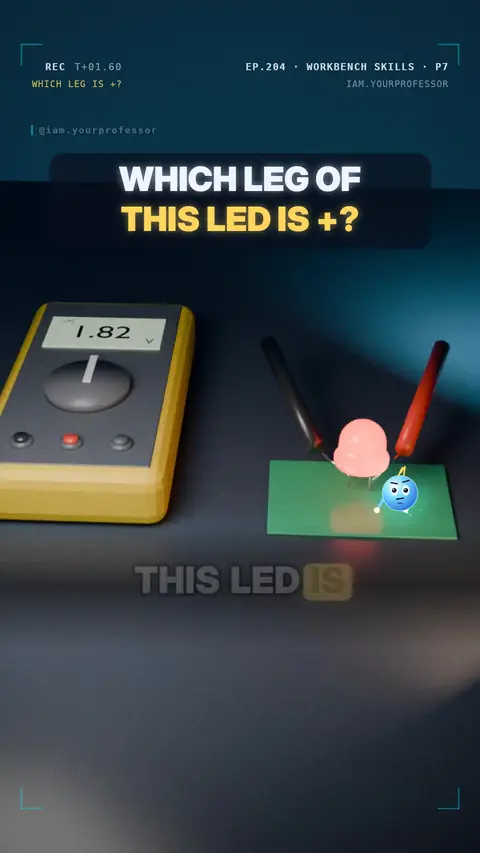
Diode mode pushes a tiny current: the LED glows faintly and shows its forward voltage when red is on the anode (+).
Which leg of an LED is + ? Your multimeter can tell you! 🔦🔍
1️⃣ Turn the dial to the DIODE symbol (often shared with the continuity beep).
2️⃣ Red probe on one leg, black probe on the other.
💡 The right way round, the LED glows a little and the meter shows about 1.6–2.0 V (red LED; blue / white ≈ 2.6–3.2 V).
✅ Then the RED probe is on + — the anode, usually the longer leg.
❌ Swapped? No current flows and the meter shows OL.
(The minus side, the cathode, often has a flat edge on the LED's rim.)
Read the voiceover (transcript)
- Which leg of this LED is plus?
- Turn your meter to the diode symbol.
- Red probe on one leg, black on the other.
- It glows a little, and shows about two volts!
- So where is the red probe?
- On plus, the anode!
- Swapped? It shows O-L.
- Next: the breadboard. Which holes connect? Follow for Part 8!
Related lessons
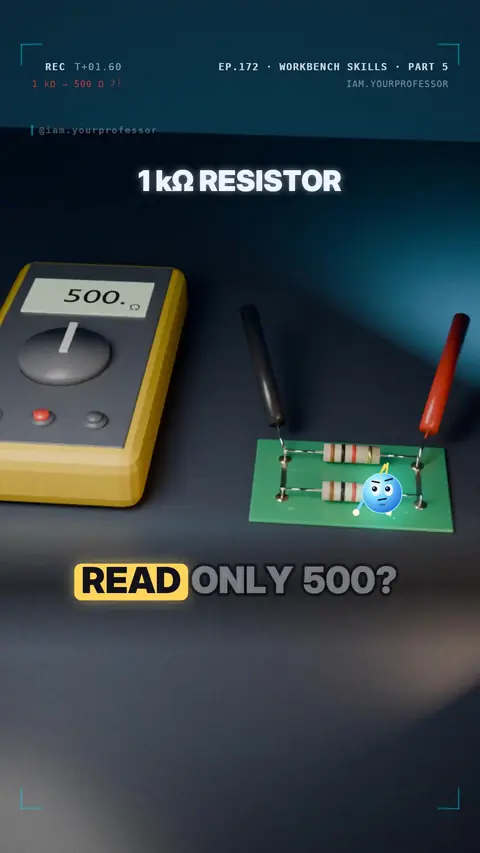 EP.172 · Workbench Skills · 5Workbench Skills Part 5: Measure resistance the right way
 EP.156 · Workbench Skills · 4Workbench Skills Part 4: Continuity beep — find a broken wire
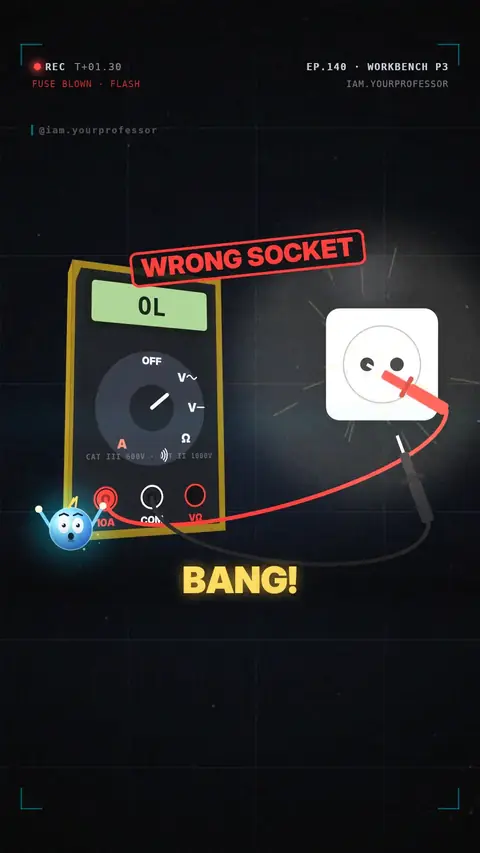 EP.140 · Workbench Skills · 3Workbench Skills Part 3: Measure mains voltage safely
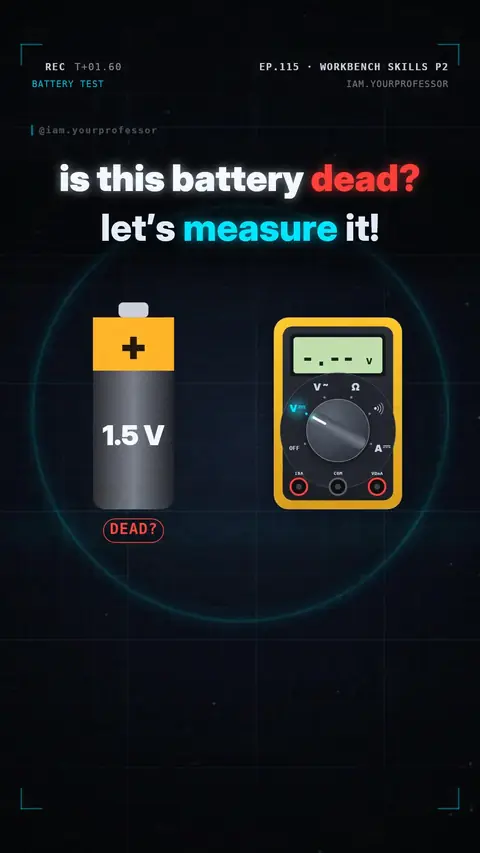 EP.115 · Workbench Skills · 2Workbench Skills Part 2: Measure voltage — is this battery dead?
Get new lessons + early access to the full course
One email when new lessons drop. No spam, unsubscribe any time.
✓ You're on the list! We'll email you when new lessons drop.
By joining you agree to the privacy policy.