Arduino: Zero to First Project · EPISODE 4 · 2:45
Read a Light Sensor + the Serial Monitor
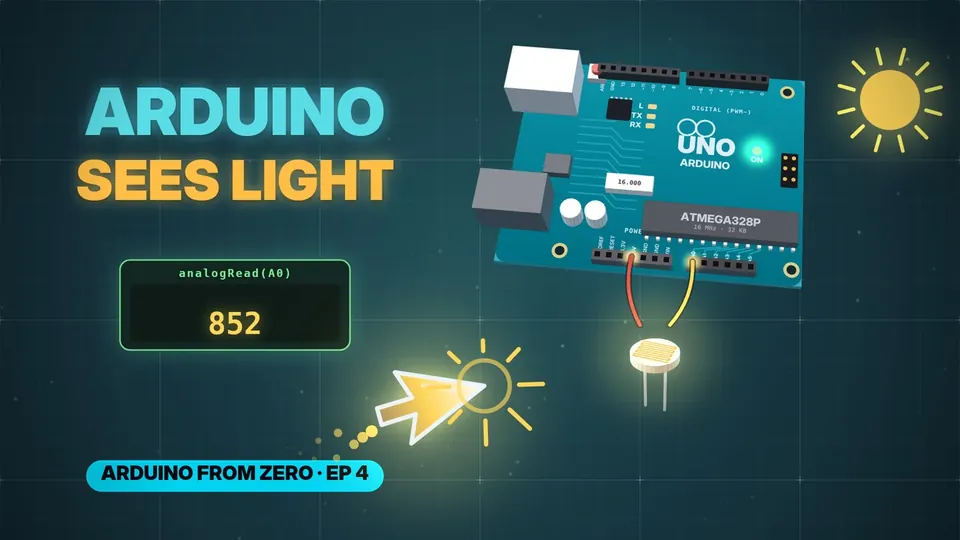
Give your Arduino eyes! Wire a light sensor (LDR), read it with analogRead, and watch the numbers live in the Serial Monitor — cover it with your hand and the numbers fall, shine a torch and they jump. Explained from zero, in under 3 minutes.
// CHAPTERS · TAP TO JUMP
// IN THIS EPISODE
What you'll learn
- A light-dependent resistor (LDR): a few thousand ohms in bright light, close to a million in the dark.
- The Arduino reads volts, not ohms — so the sensor goes in a chain with a 10 kΩ resistor from 5 V to ground (a voltage divider). The middle point goes to pin A0. More light → lower resistance → more volts at A0.
- digitalRead gives 2 answers (HIGH / LOW). analogRead(A0) gives a number from 0 to 1023: 0 V → 0, 5 V → 1023, 2.5 V → about 512. That's 1,024 steps of about 4.9 mV each.
- The code:
void setup() { Serial.begin(9600); } void loop() { int light = analogRead(A0); Serial.println(light); delay(100); } - Serial.begin(9600) sets the talking speed: 9600 bits a second. Upload, then click the magnifier icon (top right) to open the Serial Monitor and set it to 9600 baud too. About 10 numbers a second scroll in.
- Cover the sensor → the numbers drop. Shine your phone's flashlight → they jump up.
- Weird junk characters? The speeds don't match — set both to the same number.
// 30-SECOND SHORTS ON THIS
Quick refreshers
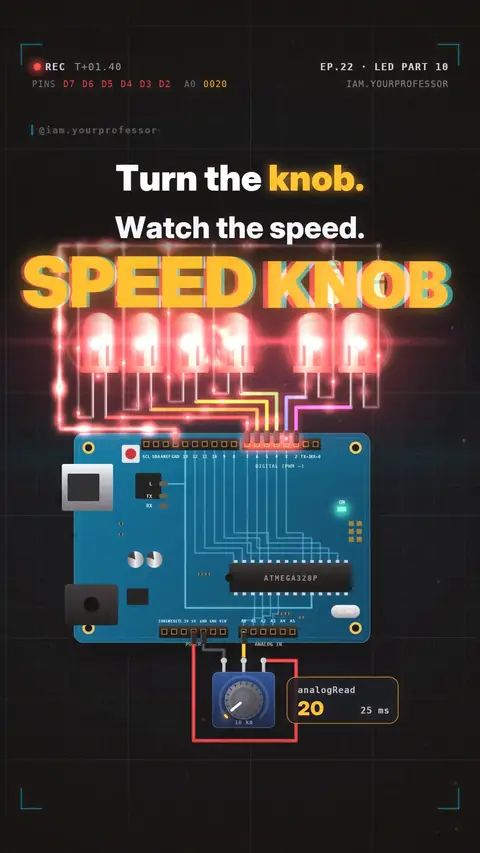 EP.22 · LED Series · 10Speed knob: potentiometer + analogRead
 EP.31 · Sensors · 1NTC thermistor: the resistor that feels heat
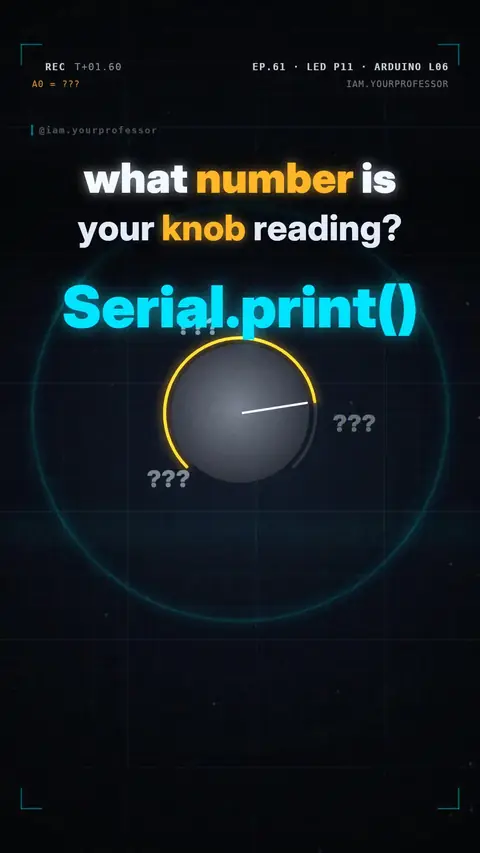 EP.61 · LED Series · 11Serial.print: see your knob's number
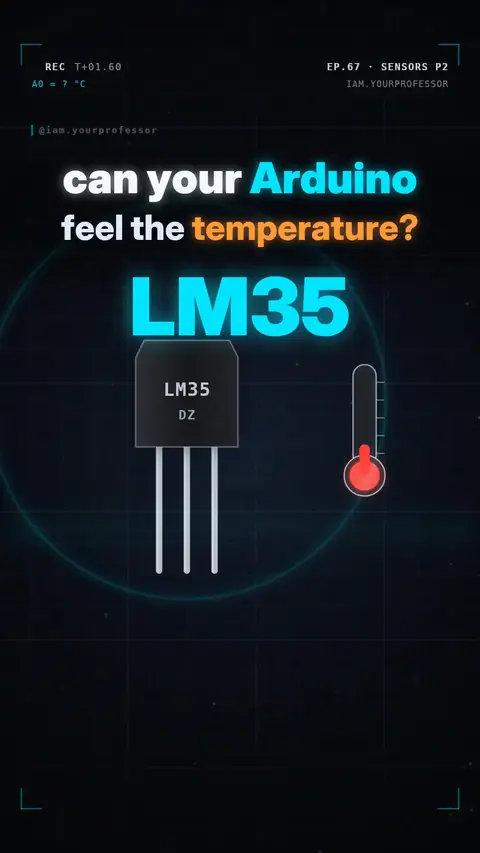 EP.67 · Sensors · 2LM35: the chip that speaks °C
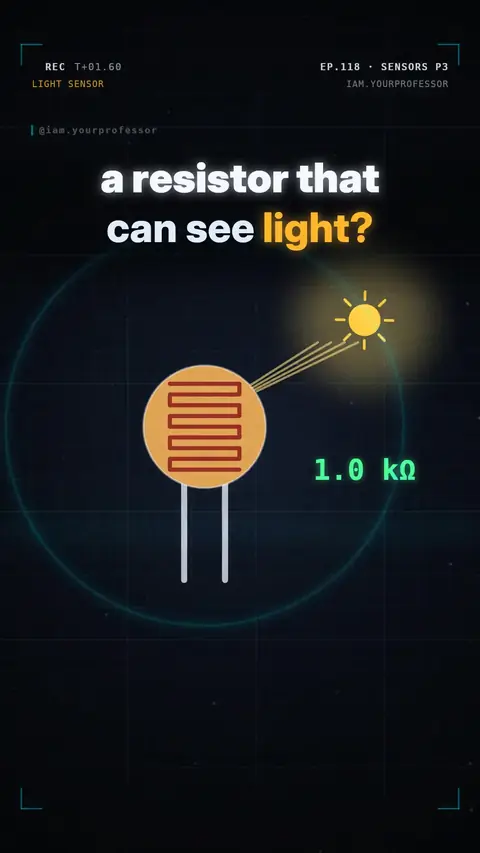 EP.118 · Sensors · 3Sensors Part 3: The LDR — the resistor that sees light
 EP.207 · Sensors · 5Sensors Part 5: the ultrasonic sensor HC-SR04 — measuring distance with sound
// NEWSLETTER · FREE
Get the next episode first
One email when a new episode drops. No spam.
✓ You're on the list! We'll email you when new lessons drop.
By joining you agree to the privacy policy.