Serial.print: see your knob's number
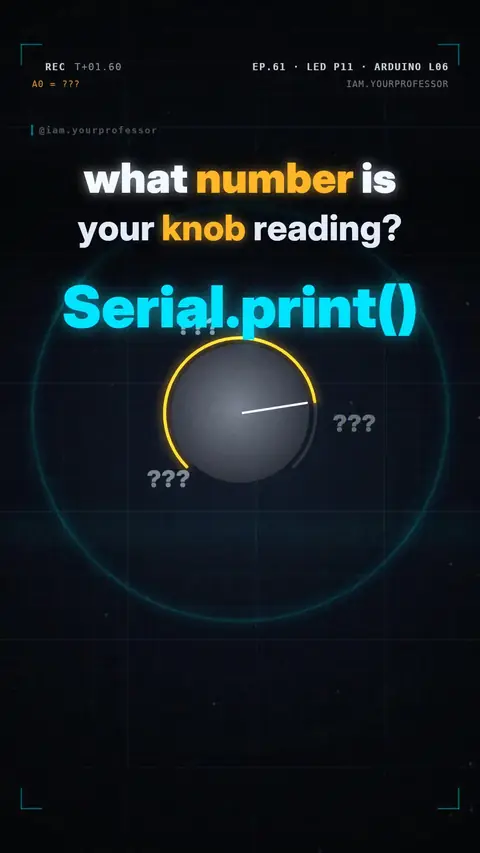
Serial.begin + Serial.println(knob) prints the analogRead value to the Serial Monitor on your laptop.
Your knob is connected… but what number is the Arduino really reading? 🎛️👀
1️⃣ OPEN A LINE: in setup() write Serial.begin(9600); — it opens a line to your laptop over the USB cable at 9600 bits per second.
2️⃣ PRINT IT: in loop() read the knob and print it:int knob = analogRead(A0);Serial.println(knob);delay(100);
Open Tools → Serial Monitor and you see 0 to 1023, live, as you turn the knob.
3️⃣ GARBAGE ON SCREEN? The Serial Monitor must use the SAME speed as your code. Set it to 9600 baud too and the numbers appear.
📌 Can't see what your code is doing? Print it!
int knob = analogRead(A0);
Serial.println(knob);
delay(100);
Read the voiceover (transcript)
- What number is your knob really reading?
- In setup: Serial dot begin, ninety-six hundred. A line to your laptop!
- In loop, print the knob. The Serial Monitor shows zero to ten twenty-three, live!
- Seeing garbage? Set the monitor to ninety-six hundred too!
- Can't see it? Print it!
- Next: millis versus delay! Follow for part twelve!
Related lessons



Get new lessons + early access to the full course
One email when new lessons drop. No spam, unsubscribe any time.
✓ You're on the list. Check your inbox to confirm.
By joining you agree to the privacy policy.