Binary to Hex (and Decimal) Conversion Made Easy: 8-Bit Guide
Convert binary to decimal and hex in seconds: place values, the nibble trick, a 0–F table and examples like 0x20 = 32. Free bit flipper.
ON THIS PAGE
Computers only store 1s and 0s, but long rows of bits are hard for humans to read. That's why programmers write numbers in hexadecimal. Once you see how both work, converting takes seconds — and code like PORTB = 0x20; suddenly makes sense.
Free binary and hex bit flipper
Flip the 8 bits and see the number in decimal, hex and binary — plus the C line to write it to a register:
⚡ LOADING THE CALCULATOR…
Free, no sign-up. Prefer a bigger screen? Open the Binary & hex bits calculator in the Lab →
Binary to decimal
Write the place values over the bits and add up the ones that are 1:
| Place value | 128 | 64 | 32 | 16 | 8 | 4 | 2 | 1 |
|---|---|---|---|---|---|---|---|---|
| Bits of 0b00101101 | 0 | 0 | 1 | 0 | 1 | 1 | 0 | 1 |
32 + 8 + 4 + 1 = 45.
- 8 bits (1 byte) go from 0 to 255.
- 4 bits (1 nibble) go from 0 to 15.
- 16 bits go up to 65,535.
Decimal to binary
Take away the biggest place value that fits, write a 1, and keep going:
200 → 128 fits (72 left) → 64 fits (8 left) → 32 no → 16 no → 8 fits (0 left) → 4, 2, 1 no → 1100 1000.
Binary to hex: the nibble trick
Hex has 16 digits: 0–9, then A = 10, B = 11, C = 12, D = 13, E = 14, F = 15. One hex digit = exactly 4 bits, so:
- Split the byte into two nibbles:
1100 1000. - Convert each nibble: 1100 = 12 = C, 1000 = 8 = 8.
- Result: 0xC8 (= 200).
| Binary | Hex | Decimal | Binary | Hex | Decimal |
|---|---|---|---|---|---|
| 0000 | 0 | 0 | 1000 | 8 | 8 |
| 0001 | 1 | 1 | 1001 | 9 | 9 |
| 0010 | 2 | 2 | 1010 | A | 10 |
| 0011 | 3 | 3 | 1011 | B | 11 |
| 0100 | 4 | 4 | 1100 | C | 12 |
| 0101 | 5 | 5 | 1101 | D | 13 |
| 0110 | 6 | 6 | 1110 | E | 14 |
| 0111 | 7 | 7 | 1111 | F | 15 |
Hex to decimal
The left digit is worth 16 ×, the right digit 1 ×:
- 0x20 = 2 × 16 + 0 = 32
- 0xFF = 15 × 16 + 15 = 255
- 0x7F = 7 × 16 + 15 = 127
- 0xA5 = 10 × 16 + 5 = 165
Why microcontrollers use hex
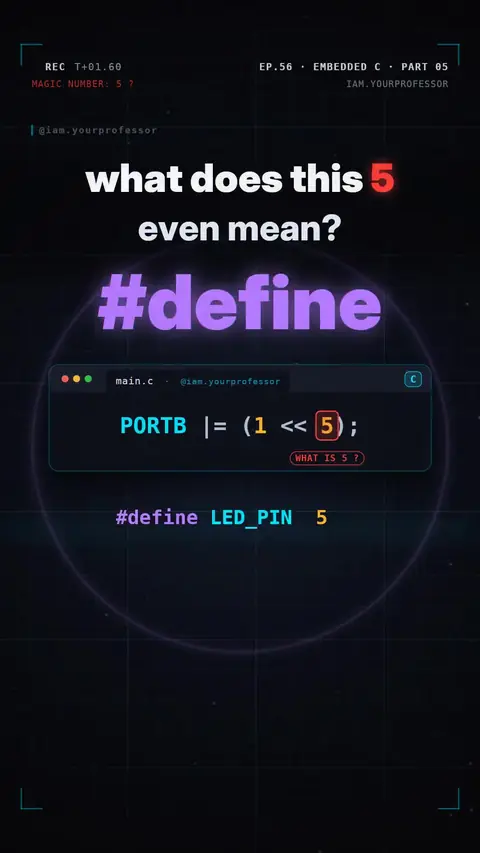
A register is a row of 8 switches, and each bit controls one thing — for example, bit 5 of PORTB on an Arduino Uno is pin 13 (the built-in LED). Hex shows the bit pattern at a glance:
PORTB = 0x20;        // 0010 0000 → only bit 5 ON → pin 13 HIGH
PORTB |= (1 << 5);   // same bit, without touching the others
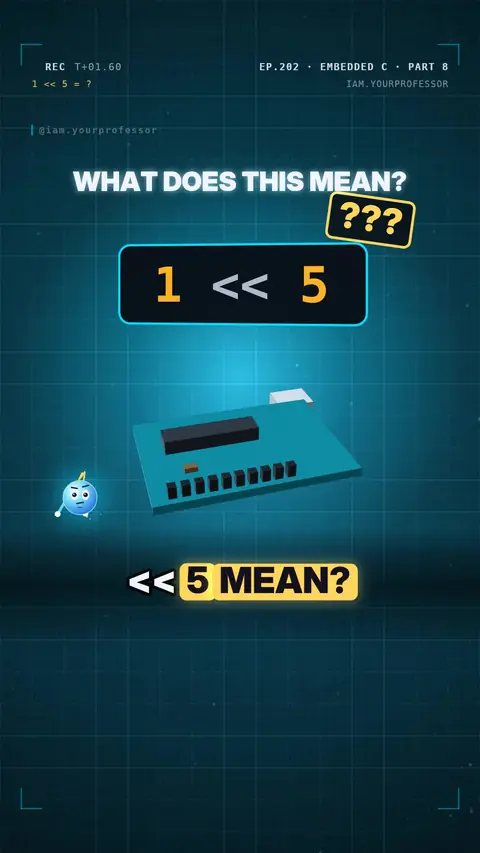
1 << 5 means "a 1 moved 5 places left" = 0b00100000 = 0x20 = 32. Shifting left by one doubles a number; shifting right halves it.
Prefixes you will see in code
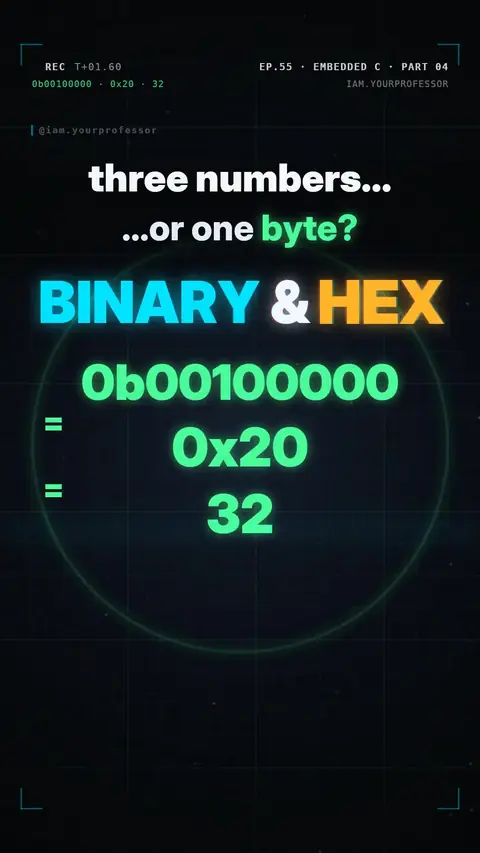
0b→ binary (0b00100000)0x→ hex (0x20)- no prefix → decimal (
32)
All three are the same number to the chip.
Frequently asked questions
How do you convert binary to hex?
Split the binary number into groups of 4 bits from the right, and replace each group with its hex digit (0–9, A–F). 1010 1111 = 0xAF.
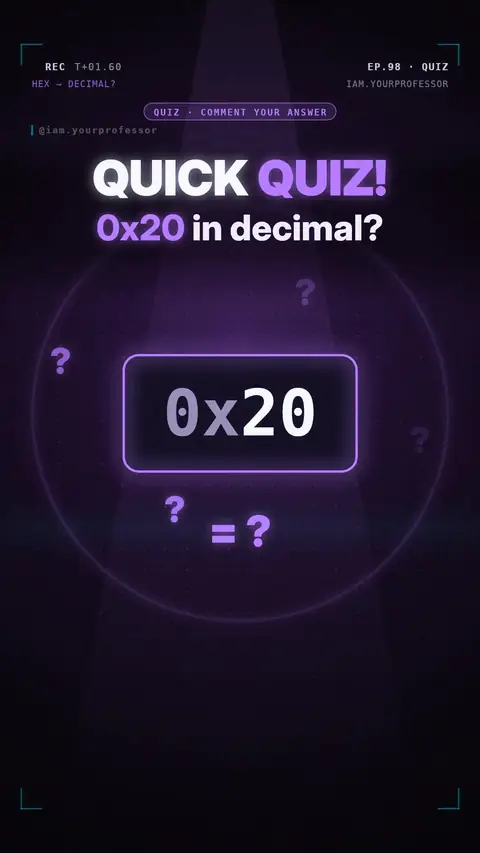
What is 0x20 in decimal?
- The 2 is in the sixteens place: 2 × 16 + 0 = 32. In binary it is 0010 0000.
Why is hex used instead of binary?
It is much shorter and each hex digit maps exactly to 4 bits, so programmers can read bit patterns quickly.
What is the largest number in 8 bits?
255, which is 1111 1111 in binary and 0xFF in hex.