PCB Design with KiCad Part 2: Why KiCad?
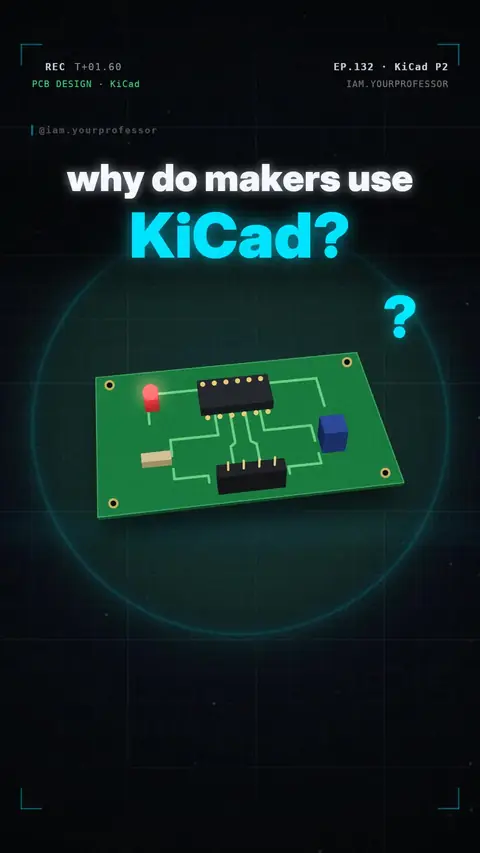
KiCad is free and open-source: schematic editor, symbol + footprint libraries, PCB editor and 3D viewer in one.
Why do makers design their circuit boards in KiCad? 🛠️ Here's why 👇
1️⃣ IT'S FREE — and open source. No paid version, no limit on board size, and it runs on Windows, macOS and Linux.
2️⃣ SCHEMATIC EDITOR: first you draw your circuit — symbols for the parts, wires for the connections. Like a map of what connects to what.
3️⃣ PCB EDITOR + 3D VIEWER: KiCad turns that schematic into a real board layout, and the 3D viewer shows exactly how it will look before you order it from a PCB maker.
Free, schematic, board, 3D!
Read the voiceover (transcript)
- Why do makers design their boards in KiCad?
- It's free and open source! No size limits, on Windows, Mac and Linux.
- First, you draw your circuit in the schematic editor, like a map of the wires.
- Then the PCB editor turns it into a board, and the 3D viewer shows it before you order!
- Free, schematic, board, 3D!
- Next: your first schematic! Follow for part three!
Related lessons
 EP.130 · Electronics Basics · 12The 555 timer: one chip that blinks
 EP.128 · Trending: the 'Flying' Tesla Roadster · 9Trending · Flying Roadster Part 9: The Roadster's wild 9-year story
 EP.127 · Trending: the 'Flying' Tesla Roadster · 8Trending · Flying Roadster Part 8: Flying cars that already exist (but you can't buy)
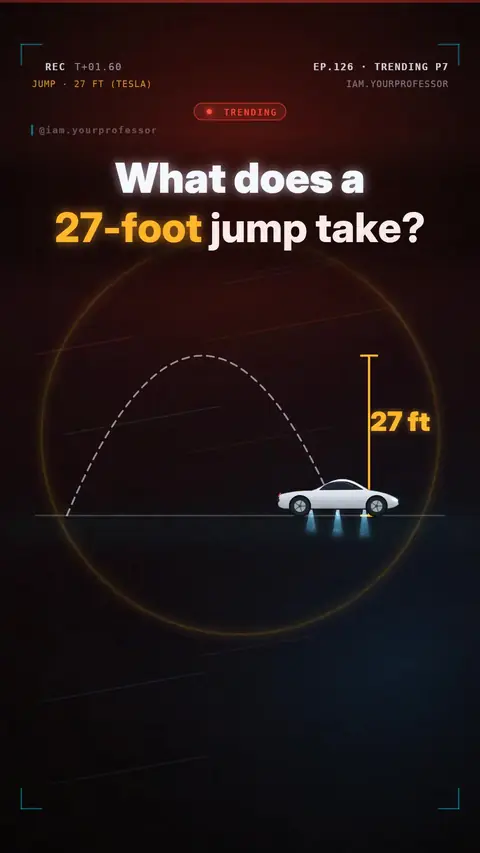 EP.126 · Trending: the 'Flying' Tesla Roadster · 7Trending · Flying Roadster Part 7: What does a 27-foot jump really take?
Get new lessons + early access to the full course
One email when new lessons drop. No spam, unsubscribe any time.
✓ You're on the list! We'll email you when new lessons drop.
By joining you agree to the privacy policy.