MMIO vs PMIO: how the CPU talks to the pins
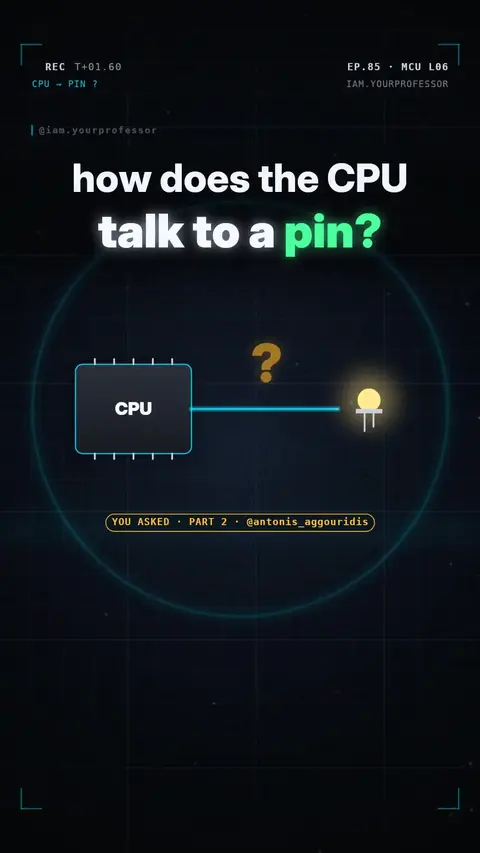
Memory-mapped I/O reaches registers with normal memory instructions; port-mapped I/O uses a separate I/O space with its own instructions; the AVR in an Uno does both (IN/OUT/SBI vs LD/ST). Follower request (@antonis_aggouridis).
Part 2 for you, @antonis_aggouridis 🔥 How does the CPU talk to a pin?
1️⃣ MMIO — memory-mapped I/O: the pins (GPIO, timers, UART…) sit at normal memory addresses, right next to RAM. The CPU uses the same load / store instructions for both. Most microcontrollers work this way: ARM (STM32, Raspberry Pi Pico), ESP32, RISC-V.
2️⃣ PMIO — port-mapped I/O: the pins get their own separate I/O space, and the CPU needs special IN / OUT instructions to reach it. Classic example: x86 PCs.
3️⃣ Your Arduino Uno (AVR) does BOTH! PORTB is I/O port 0x05 (reach it with IN / OUT / SBI) AND data address 0x25 (reach it with LD / ST / STS). Same register, two doors.
Fun fact: PORTB |= (1 << 5); compiles to sbi 0x05, 5 — one fast 2-cycle instruction that lights the LED on pin 13.
Same pins, two doors. 🚪🚪
Read the voiceover (transcript)
- How does the CPU talk to a pin?
- Memory-mapped I O: pins sit at memory addresses, just like RAM.
- Port-mapped I O: pins get their own space, with special in and out instructions.
- Your Uno does both! PORTB is port five, or memory address hex two five.
- Same pins, two doors!
- Next: the Pico board! Follow for Lesson seven!
Related lessons
Get new lessons + early access to the full course
One email when new lessons drop. No spam, unsubscribe any time.
✓ You're on the list. Check your inbox to confirm.
By joining you agree to the privacy policy.